

Tzunami Deployer cloud migration

Google Drive

new livelink

Google Drive Migration Tool

One of the most popular cloud storage platform! While offering free storage space, and combined with Google Docs, Sheets, and Slides, you will find everything you need to support your work activities in one place.

Our Google Drive migration solution is part of the Tzunami Family of Products, which has been developed specifically to respond to all SharePoint versions, e.g migrate Google Drive to SharePoint online migration requirements. Using Cloudsfer, you will be able to perform a smooth migration from/to Google Workspace (the new name for G Suite) into Office 365 or any other cloud platform.
With the ability of google file transfer, you can migrate your files to Google Native Documents such as Google Doc, Google Sheets, etc. Cloudsfer also supports the migration of all permissions, share drives and security configuration into Google Drive.

With Cloudfser, by Tzunami you have the ability to backup GoogleDrive to any other cloud storage. Tzunami’s migration solutions supports Google Workspace migration, e.g migrate from Dropbox to Google Drive, or Google Drive to Dropbox.

Googledrive logo

How to transfer your content from
Google Drive to SharePoint?

With Cloudsfer migration solutions, in Just 4 EASY steps you can migrate your data from
Google Drive to office 365, or SharePoint Online to Google Drive and many more cloud and on premise systems such as Confluence, Docushare, Documentum, Dropbox, Box, Egnyte , OneDrive and many more systems.

Export

Cylinder

Export data from your server including metadata using Tzunami Exporter

Load

Text

Load exported data into Deployer
Read entire SharePoint destination

Deploy

dlaey

Drag and Drop migration with all needed configurations

Commit

commit

Migrate data into your new SharePoint environment

arrow icon

Source

arrow icon

Export

arrow icon

Read SharePoint

arrow icon

Deploy

arrow icon

Commit

arrow icon

Source

Export

Cylinder

Export data from your server including metadata using Tzunami Exporter

arrow icon

Export

Load

Text

Load exported data into Deployer
Read entire SharePoint destination

arrow icon

Read SharePoint

Deploy

dlaey

Drag and Drop migration with all needed configurations

arrow icon

Deploy

Commit

commit

Migrate data into your new SharePoint environment

  • Handle any number and size of migrations.
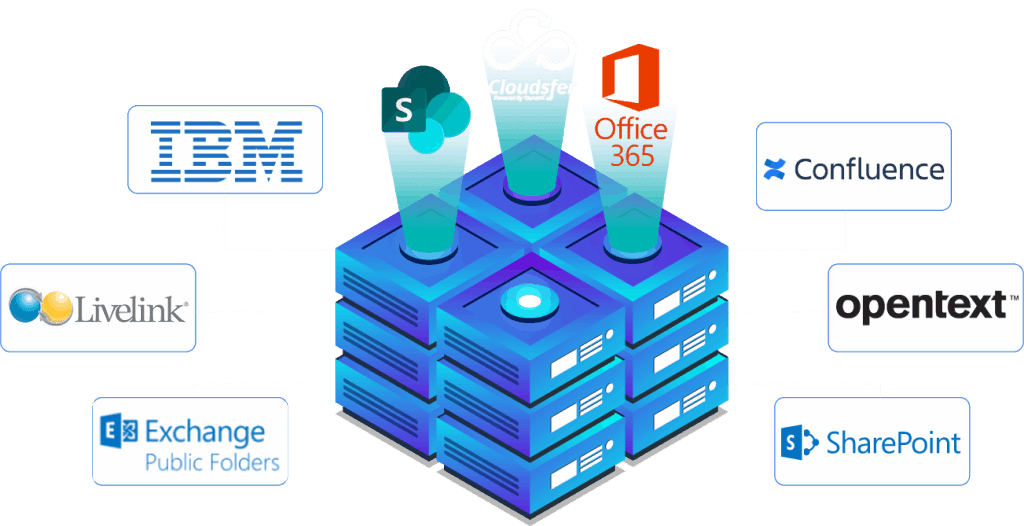
  • Multiple Migration into Google Drive from over 12 different On-Premise systems (FileNet ,eRoom, OpenText, DocuShare, HP trim, Lotus Notes, SharePoint).


  • Apply filters by date, size, file type, and filter out un-needed files.
  • Delta migration feature.
  • Get a complete cloud backup / migration report.

System Requirements for windows file server migration:

Microsoft .Net Framework 4.5

Windows Vista and up

Windows Server 2008 and up

Supported Systems

This website uses cookies to ensure you get the best experience on our website.